About TSC Printer TTP 345
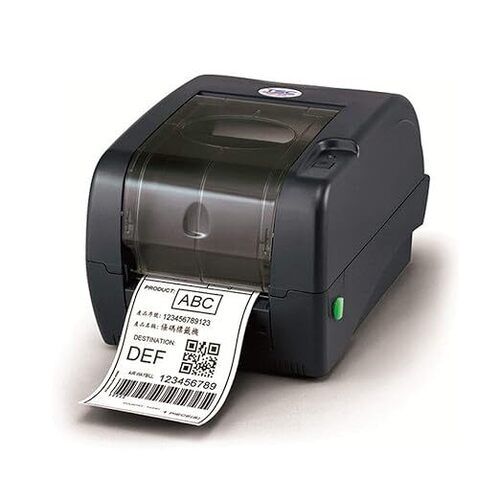
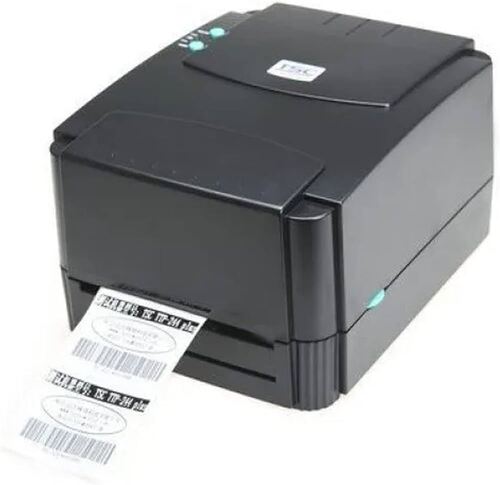
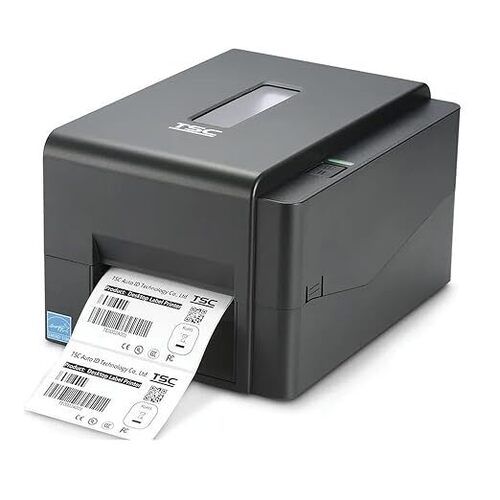
TSC Printer TTP 345
| Brand |
TSC |
| Connectivity Technology |
USB |
| Printing Technology |
Thermal |
| Special Feature |
network_ready |
| Colour |
Black |
| Model Name |
TTP 345 |
| Printer Output |
Monochrome |
| Maximum Print Speed (Colour) |
1 ppm |
| Item Weight |
4.3 Kilograms |
| Controller Type |
Window |
High-Resolution Printing for Professional LabelsWith a 300 dpi (12 dots/mm) print resolution, the TSC TTP 345 produces sharp, clear barcodes and graphics on various label types, ensuring every label meets professional standards. Ideal for shipping, logistics, industrial, and office applications, the printer supports print widths up to 108 mm and lengths up to 1016 mm, enabling versatile label creation.
Efficient and Reliable PerformancePowered by a 32-bit RISC CPU, with 8 MB SDRAM and a 4 MB flash memory, this printer delivers consistent and efficient operation. Designed for demanding environments, the printer boasts a robust construction with a durable ABS plastic case, automatic label handling, and a ribbon capacity of up to 300 meters for uninterrupted work.
Connectivity and Easy OperationThe TTP 345 offers flexible connectivity, featuring USB 2.0, RS-232C serial, and Centronics parallel ports, making setup straightforward across different systems. LED status indicators provide clear visual feedback during operation, and the printer supports multiple OS platforms, ensuring seamless integration into existing IT environments.
FAQ's of TSC Printer TTP 345:
Q: How do I connect the TSC Printer TTP 345 to my computer?
A: You can connect the TTP 345 using its USB 2.0, RS-232C serial, or Centronics parallel interfaces. It supports Windows, Linux, and Mac operating systems, making installation and setup quick and flexible for various work environments.
Q: What types of media can the TTP 345 handle?
A: The printer supports continuous, die-cut, black mark, fan-fold, and notch media types. Accepted media widths range from 25.4 mm to 114 mm, with thicknesses from 0.06 to 0.25 mm, ensuring compatibility with a wide range of labeling needs.
Q: When should I replace the ribbon or labels in the printer?
A: Replace the ribbon when print quality diminishes or the ribbon has reached its maximum capacity of 300 meters. Labels should be replaced when the roll runs out or if you switch to a different media type to match specific labeling requirements.
Q: Where is the TSC TTP 345 best suited for use?
A: This printer is ideal for industrial settings, offices, logistics operations, and shipping departments. Its compact size and reliable performance make it adaptable to both desktop and production environments.
Q: What benefits does the 300 dpi resolution offer for label printing?
A: The high 300 dpi resolution ensures that barcodes, text, and images are sharply printed, enhancing readability and reducing scan errors, especially in applications where precision and data accuracy are essential.
Q: How does the printer's sensor system enhance operation?
A: Equipped with transmissive and reflective sensors, the TTP 345 automatically detects various label types, including those with notches, black marks, or gaps, ensuring accurate media handling and precise registration on every print.





 Send Inquiry



 Send Inquiry
 Send Inquiry
 Send SMS